














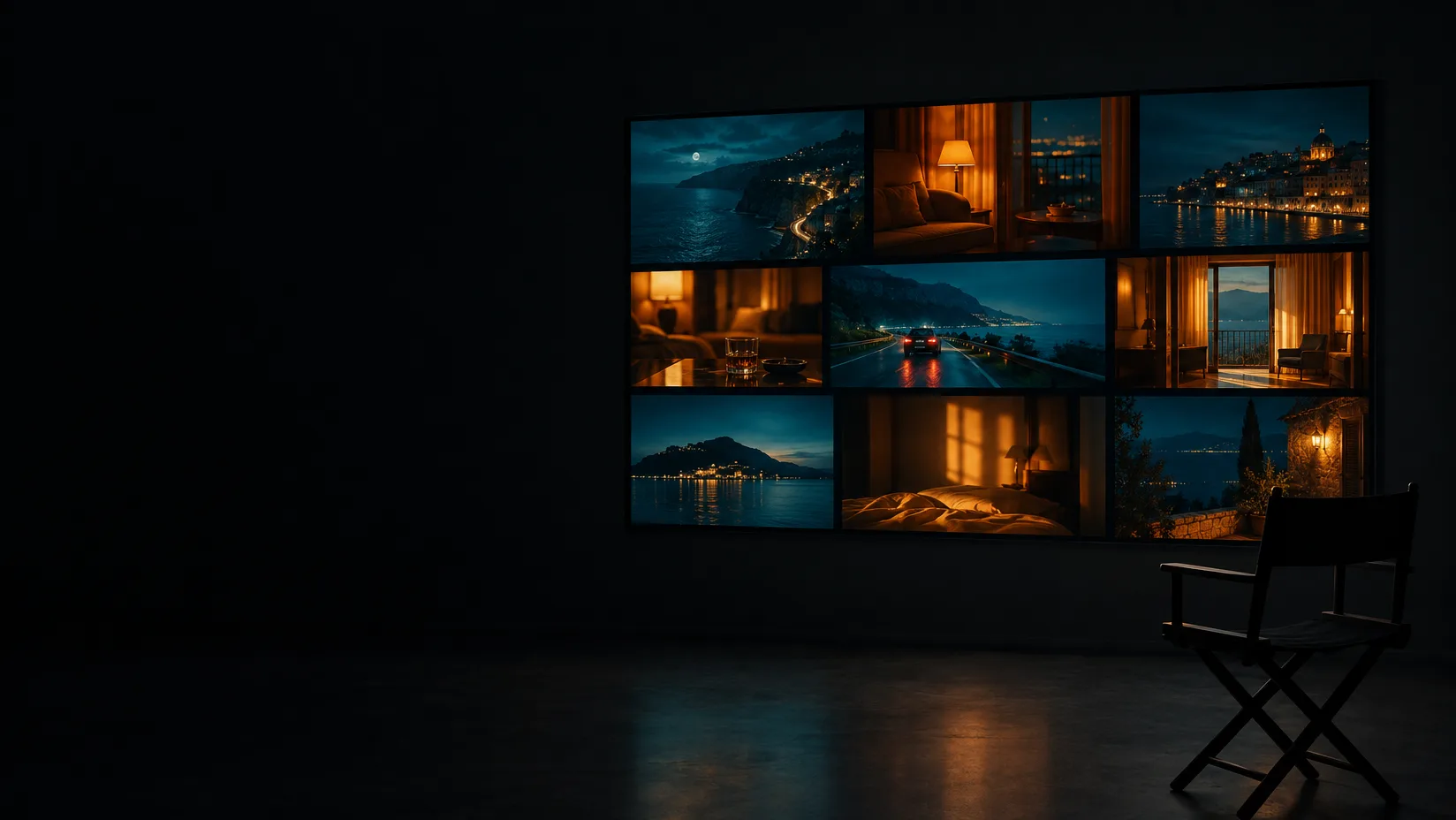
A wide display in a dark screening room showing nine cinematic stills in a precise grid, an empty director's chair beside it

Curate galleries worth presenting.

Galleries hold the references for a scene, a campaign or a pitch. Arrange them by hand, split them into sections, present them six ways, and send one link that stays current.

14 day trial for Solo and Team plans. Cancel any time.

  • 01 /

    Arrange by hand

    Drag frames into the order you mean them. The order belongs to the gallery.

  • 02 /

    Sections

    Split a gallery into scenes, locations or looks, each with its own count.

  • 03 /

    Six views

    Masonry, grid, carousel, presentation, showcase and press kit.

  • 04 /

    Stored once

    The same asset can sit in many galleries without a second copy.

  • 05 /

    Private, link or published

    Keep it to your team, send it by link, or publish it for anyone.

  • 06 /

    Collect from others

    Visitors can add files to a shared gallery with just a name and an email.

Arrange the work the way you mean it.

A gallery is a set of references with a purpose — a sequence, a location, a client — in the order you set, kept across every device and ready to present.
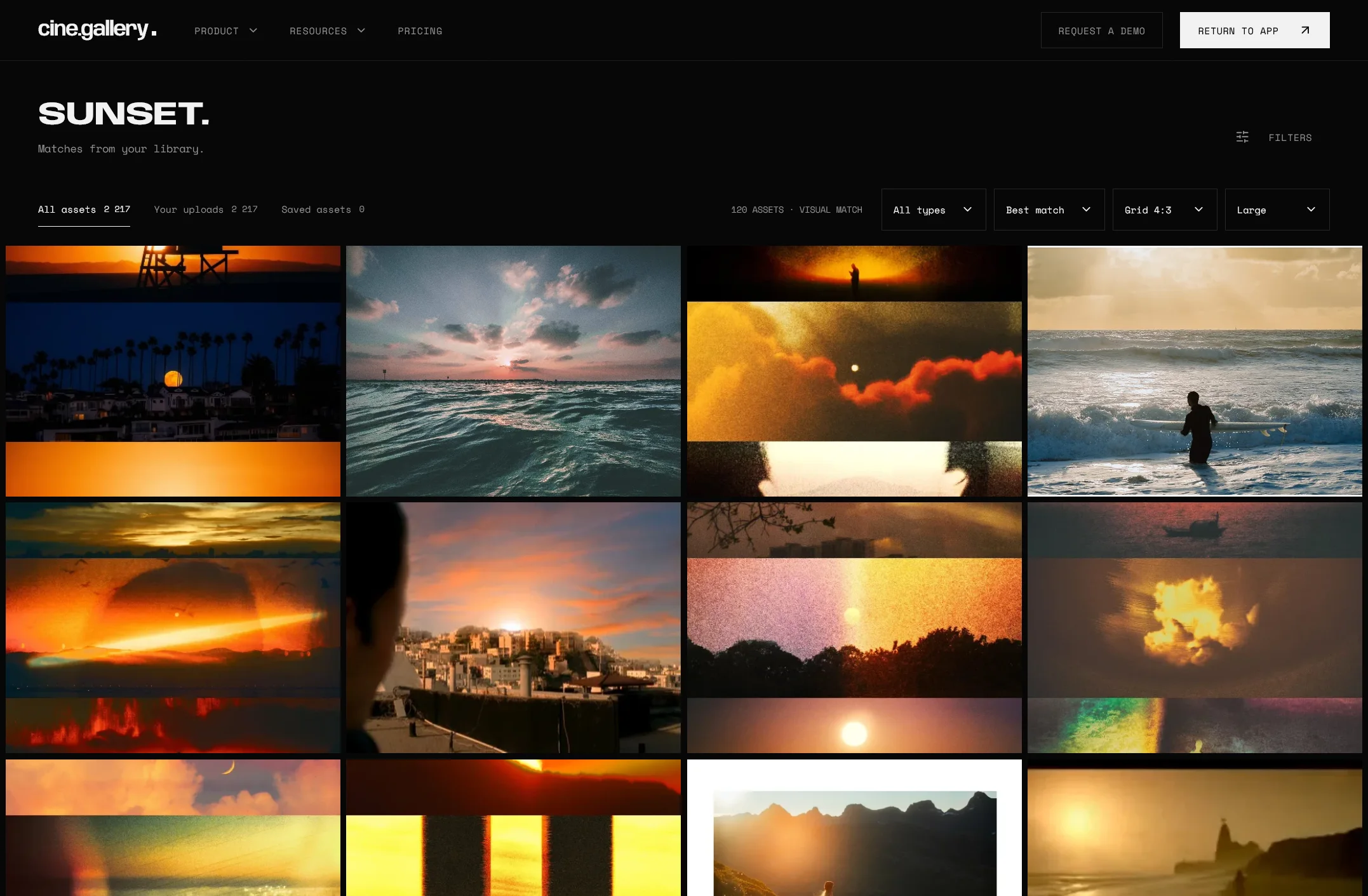

The cine.gallery search page showing a grid of sunset photographs ranked as visual matches for the word sunset

See it at work.

So many uses.

From brief to board in one sitting.

Before
A pitch deck is rebuilt from screenshots every time, and the references behind it scatter the day after the meeting.
With cine.gallery
Build the pitch as a gallery with a section per scene. Present it full screen in the room and keep it afterwards, searchable, for the next one.
  • Sections for every scene
  • Present full screen
  • Six gallery views
  • Search by what is in the picture
For agencies

Everyone on set sees the same frame.

Before
The shot list is a spreadsheet and the references are a separate PDF, so nobody on set is looking at the same picture.
With cine.gallery
Order the gallery as the day runs, one section per setup, and share one link with the crew. Change it overnight and everyone sees it in the morning.
  • Numbered sequences
  • One link that stays current
  • Downloads per gallery
  • Guest uploads
For photographers

References arrive where they belong.

Before
Scouts, stylists and clients send references through five transfer services, and you spend a morning collecting them.
With cine.gallery
Turn on guest uploads. Anyone with the link drops files straight into the gallery, leaving only a name and an email.
  • Guest uploads
  • Who added what
  • One link that stays current
  • Downloads per gallery
How sharing works

What galleries do for you.

01 /

Present it properly

Masonry keeps every frame's proportions, grid crops to one shape, and presentation fills the screen with nothing else.

  • Showcase turns sections into chapters
  • Press kit finds posters, stills and logos
  • Carousel cross-fades one frame at a time
02 /

Sections that grow with the job

Group a gallery into scenes, looks or locations, and upload straight into an open gallery.

Building a gallery
03 /

Reach decided per gallery

Private to you and your team, anyone with the link, or published — changed in one step, reversed in one step.

How it works.

  1. 01

    Make a gallery

    Name it for what it is for — a sequence, a location, a look, a client.

  2. 02

    Fill it

    Drag from the library, press B in the inspector, or drop new files straight in.

  3. 03

    Choose how it is seen

    Pick a layout and decide who can reach it: you, your team, a link or everyone.

  4. 04

    Send one address

    The link stays current as the gallery changes. There is never a v2 to resend.

THE SOLO PLAN

For individuals and independent creatives.

Galleries come with every plan. Solo includes 10; Team and Studio are unlimited, with team galleries shared by every seat.

  • Private asset library
  • Unlimited galleries
  • Share galleries
  • Embed galleries
  • Publish galleries
  • 100 GB of storage
  • Up to 10,000 assets
  • Original-resolution downloads
$24CAD / month
$288 CAD billed yearly, or $30 CAD monthlyStart your free trial Compare every plan Prices also available in USD and EUR. Tax is calculated at checkout.

Built for people who present.

Solutions by team size
  1. 01Agencies & studiosPitch with the pictures.
  2. 02DirectingShow the film before it exists.
  3. 03BrandsHold the brand's visual world.
  4. 04Marketing teamsOne library the whole team can use.

Frequently asked questions.

No. A shared or published gallery opens in any browser. Visitors who want their own library can start a trial from the gallery itself.

Yes. Turn a link off and it stops working; turn it back on and the same address works again. Unpublishing a gallery takes it off the public wall, out of search and out of every embed straight away.

Yes. Choose masonry or gallery layout, the shape of the frame and a size, and paste one element into your page. The embed measures the space it is given and pages through the rest.

Only if you allow it. Downloads are switched on or off per gallery.

Solo includes ten galleries. Team and Studio are unlimited.

Other questions? Our team typically responds to all support inquiries within 24-48 hours.

Get in touch

The rest of the product.

Build your first gallery today.

Pull references from your library, put them in the order you mean them, and send one link.

Start your free trial

Or view pricing.

14 day trial for Solo and Team plans. Cancel any time.

Try cine.gallery for freeGet started
cine.gallery