
01 /
One private library
Everything you work from — at full resolution, with the originals kept — in one place instead of five. Drop folders in; duplicates are caught before they upload.
The library
Campaign references, approved imagery and past work, shared with everyone who needs them and no one who does not.
14 day trial for Solo and Team plans. Cancel any time.
A marketing team's imagery is everywhere and nowhere: approved photography in one drive, campaign references in another, last year's shoot in someone's inbox. Every new brief starts with the same hunt, and partners keep asking for the folder.
cine.gallery gives the team one library everyone can use. Share galleries with the people who need them, publish finished work where it can be found, and keep the rest private to the team.
Whatever you work from. These are the references kept here most often for marketing teams, and the kind of thing people type to find them again.
Give the team a shared gallery per campaign.
Publish finished work as a public gallery or embed it.
Keep everything else private to the team.
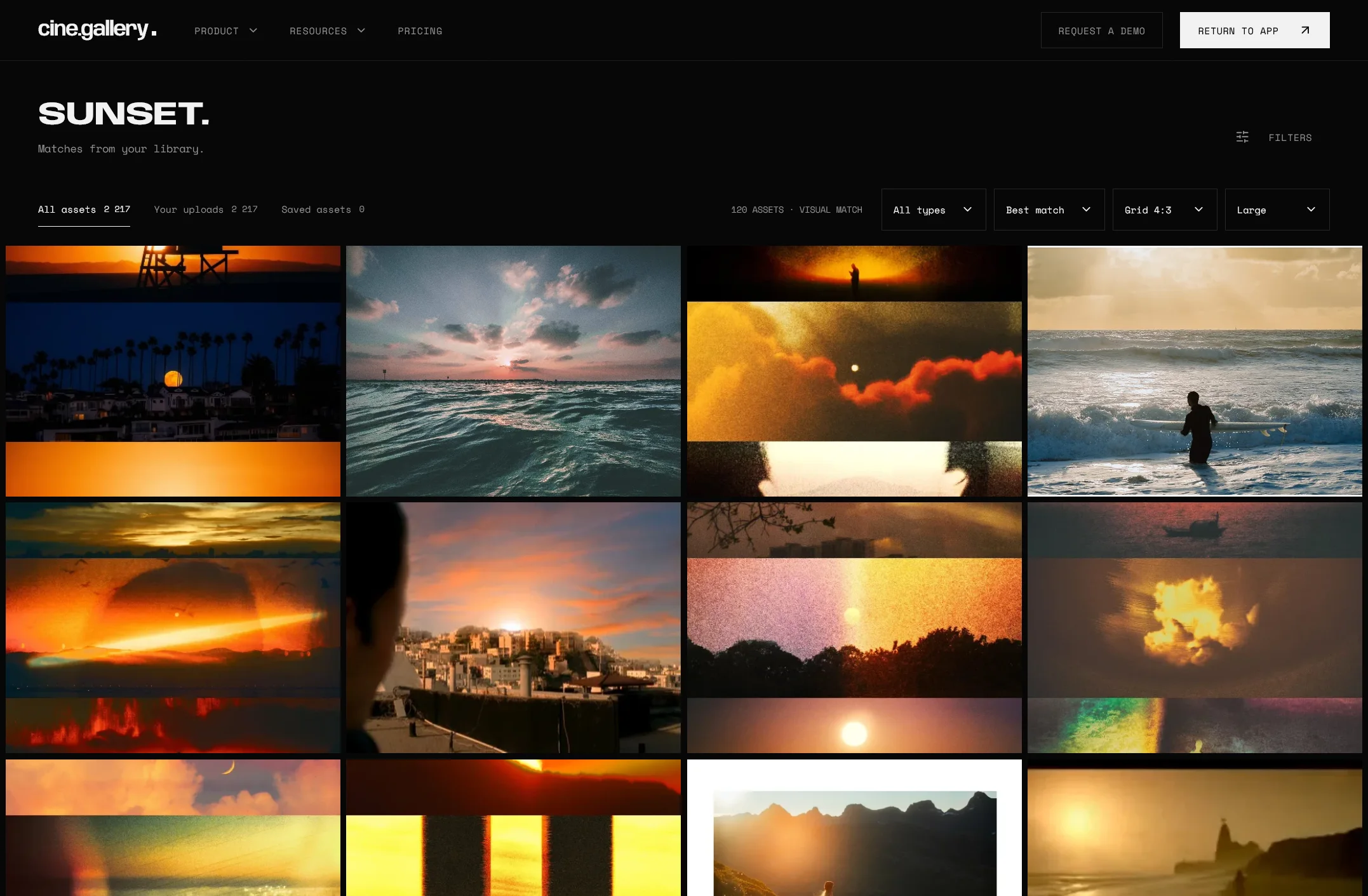
Everything you work from — at full resolution, with the originals kept — in one place instead of five. Drop folders in; duplicates are caught before they upload.
The library
Describe the frame you remember and your own references come back, ranked by how well they match. No tagging first.

Arrange references in the order you mean them and share them as a link, a full-screen presentation or a published page — one address, always current.
GalleriesIt is built for anyone who works from visual references — film, photography, brand and design. Campaign references, approved imagery and past work, shared with everyone who needs them and no one who does not.
No. Uploads are analysed for search as they land, so describing what is in the picture works from the start. Suggested tags are there to confirm or reject when you want sharper results.
Yes. A gallery shared by link or published opens in any browser. Guest uploads let collaborators add files to a shared gallery with just a name and an email.
If references are shared across a department, Team: five seats, shared galleries and 10,000 uploads. On your own, Solo covers everything above for one person.
Other questions? Our team typically responds to all support inquiries within 24-48 hours.
Get in touchBring the references you already have and find them again by what is in the picture. Give the team a shared gallery.
Start your free trialOr view pricing.
14 day trial for Solo and Team plans. Cancel any time.

