
01 /
One private library
Everything you work from — at full resolution, with the originals kept — in one place instead of five. Drop folders in; duplicates are caught before they upload.
The library
Build a shot list out of references instead of words. Keep casting, location and lighting notes with the frames they belong to.
14 day trial for Solo and Team plans. Cancel any time.
A shoot is planned in references long before a light goes up: the light, the casting, the location, the styling, the order of the day. Written shot lists lose the thing that matters, and the client wants to see where it is going.
cine.gallery turns a shot list into a gallery. Save references as you find them, split the day into galleries, and send the client one link that stays current until the shoot.
Whatever you work from. These are the references kept here most often for photography, and the kind of thing people type to find them again.
Save references as you find them, from any device.
Split the shoot into galleries: one per look or set-up.
Send the client one link, current until the shoot.
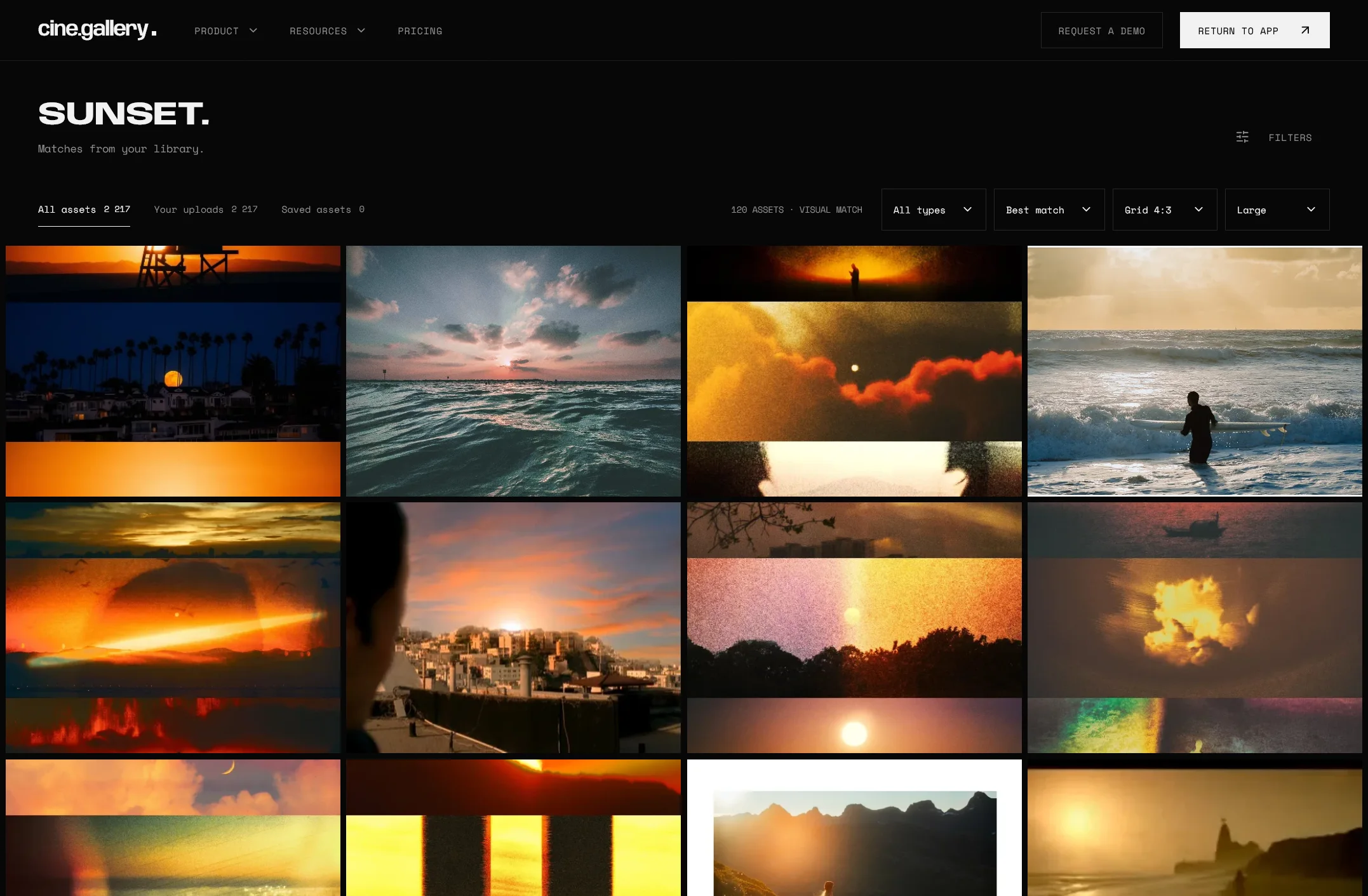
Everything you work from — at full resolution, with the originals kept — in one place instead of five. Drop folders in; duplicates are caught before they upload.
The library
Describe the frame you remember and your own references come back, ranked by how well they match. No tagging first.

Arrange references in the order you mean them and share them as a link, a full-screen presentation or a published page — one address, always current.
GalleriesIt is built for anyone who works from visual references — film, photography, brand and design. Build a shot list out of references instead of words. Keep casting, location and lighting notes with the frames they belong to.
No. Uploads are analysed for search as they land, so describing what is in the picture works from the start. Suggested tags are there to confirm or reject when you want sharper results.
Yes. A gallery shared by link or published opens in any browser. Guest uploads let collaborators add files to a shared gallery with just a name and an email.
On your own, Solo: a private library of 2,000 uploads, ten galleries, sharing and original downloads. When a department needs one shared library, move to Team.
Other questions? Our team typically responds to all support inquiries within 24-48 hours.
Get in touchBring the references you already have and find them again by what is in the picture. Save references as you find them.
Start your free trialOr view pricing.
14 day trial for Solo and Team plans. Cancel any time.

