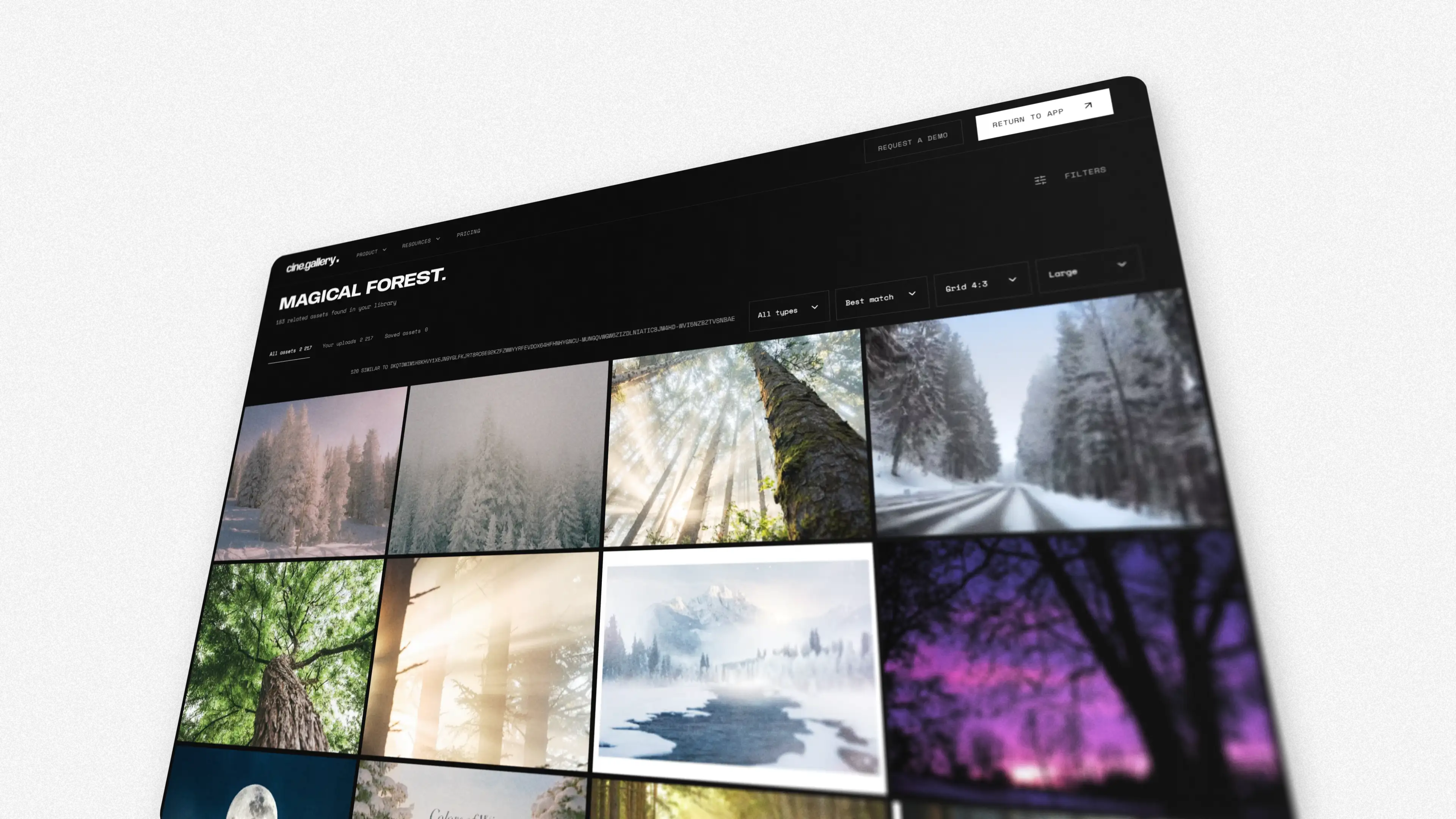
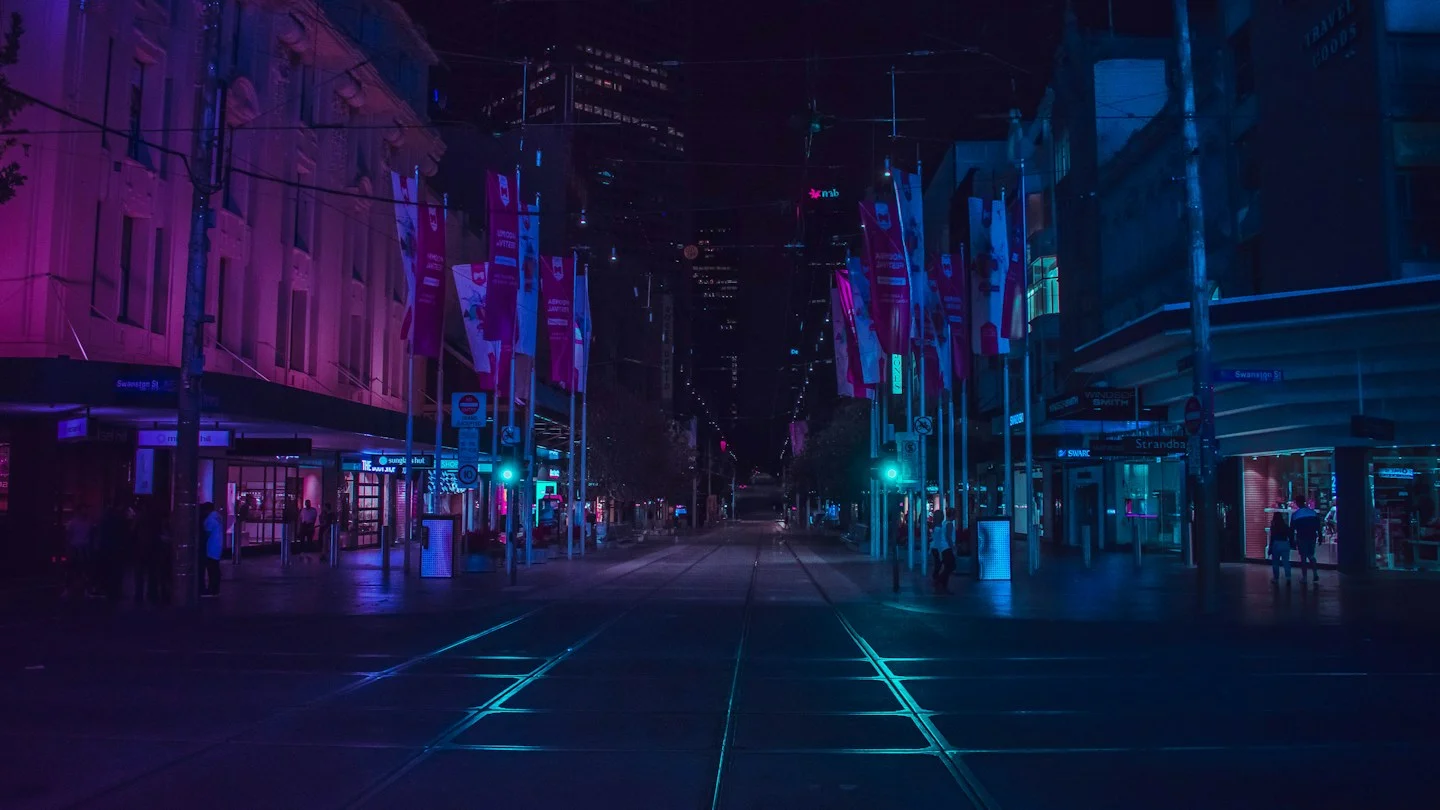
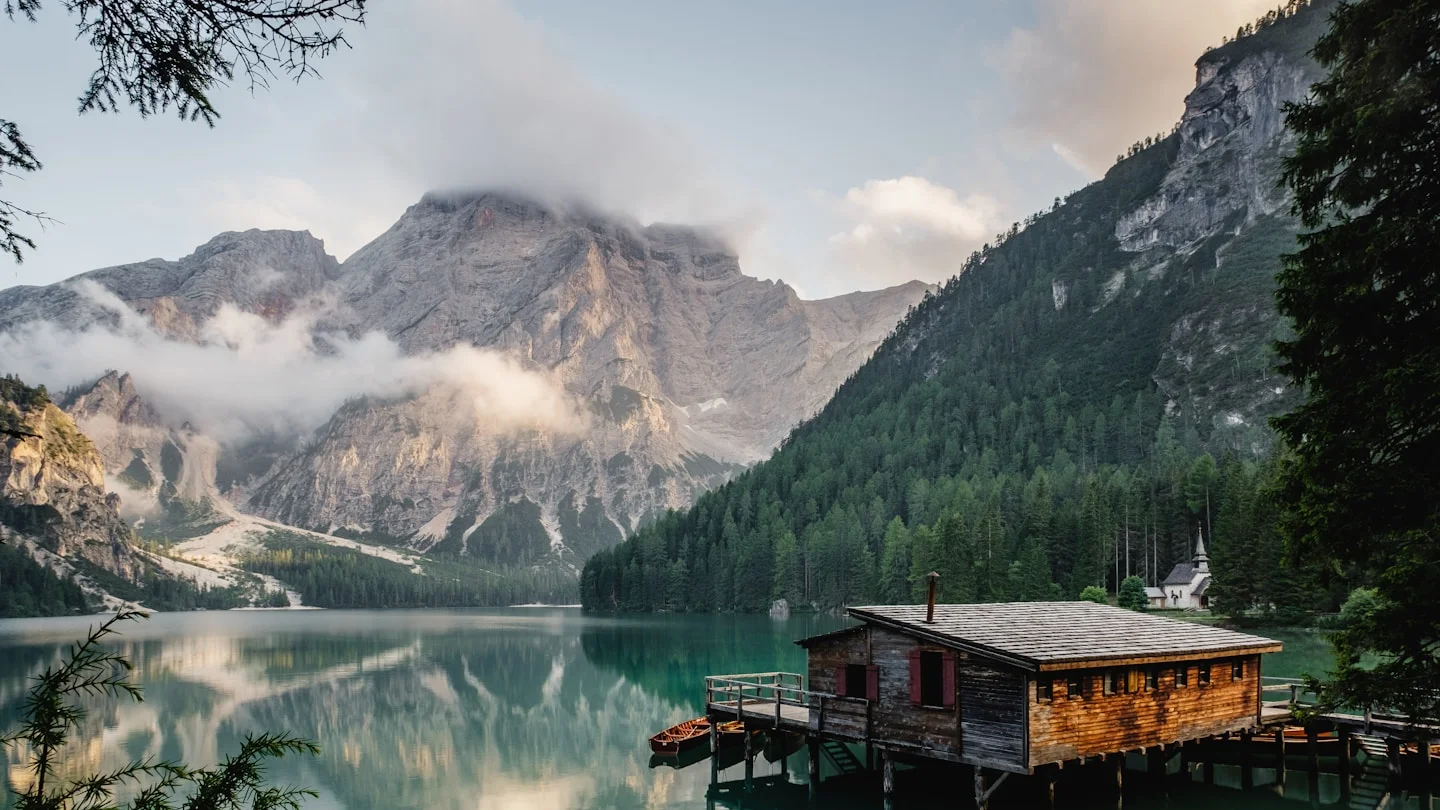
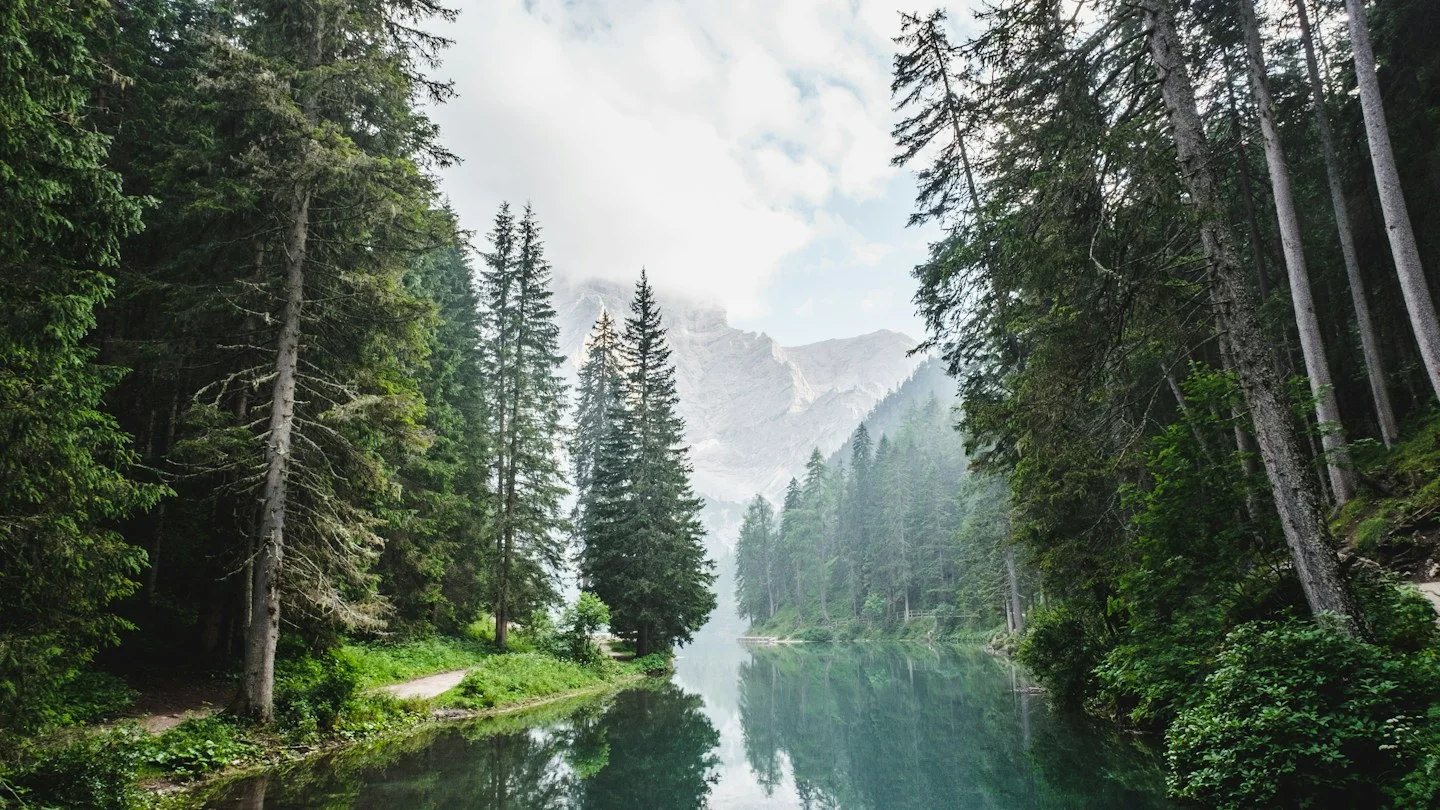
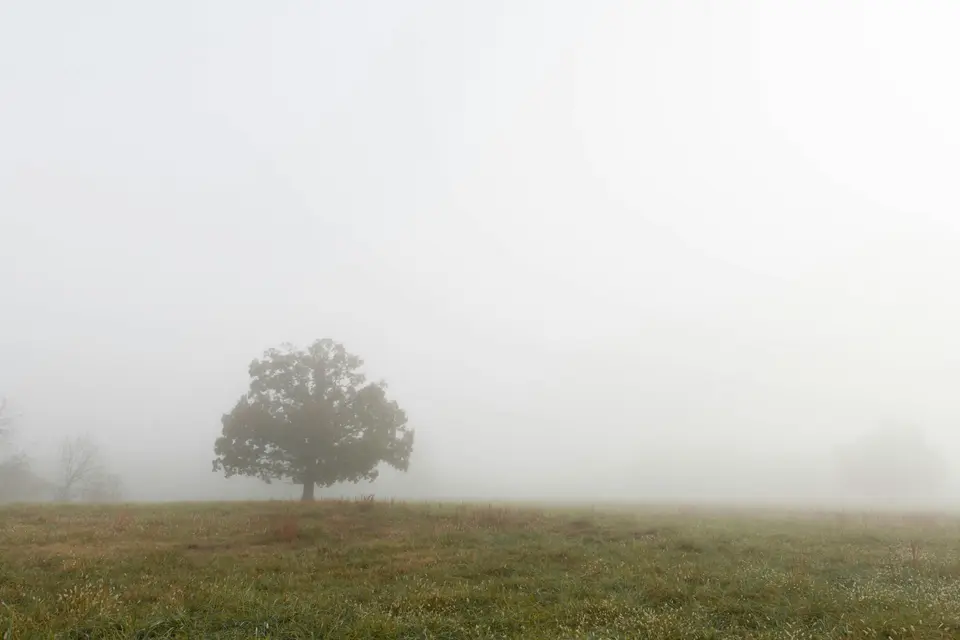
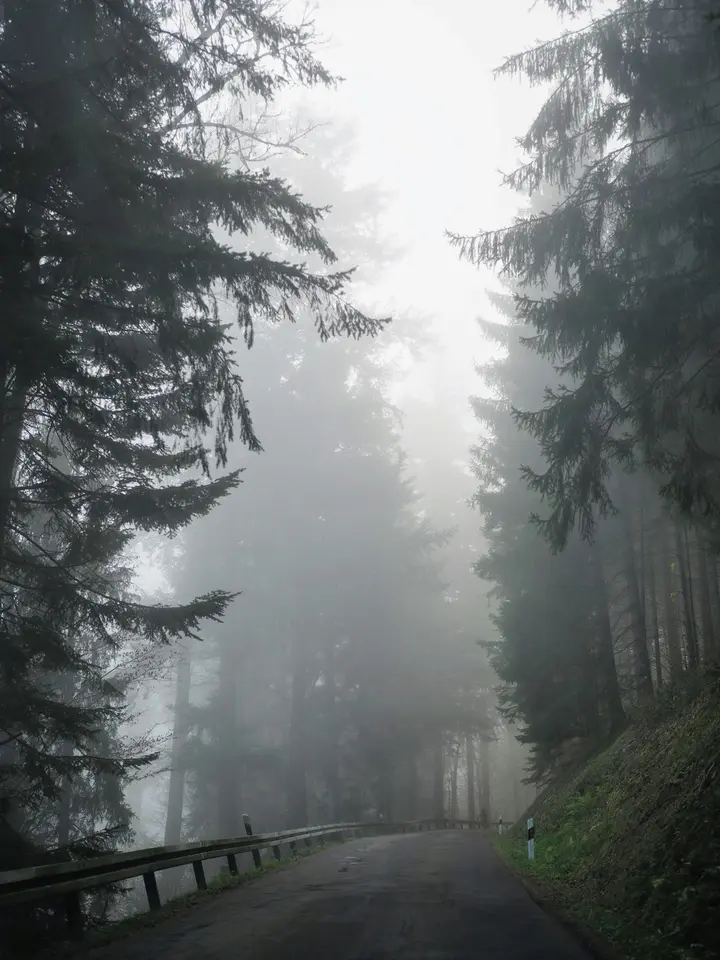
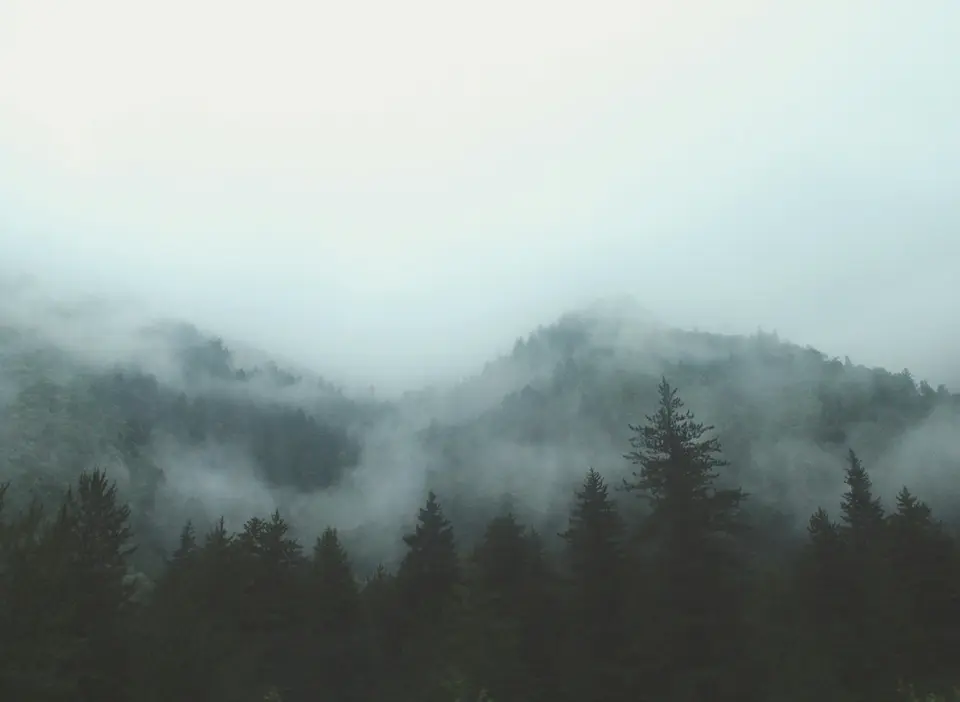
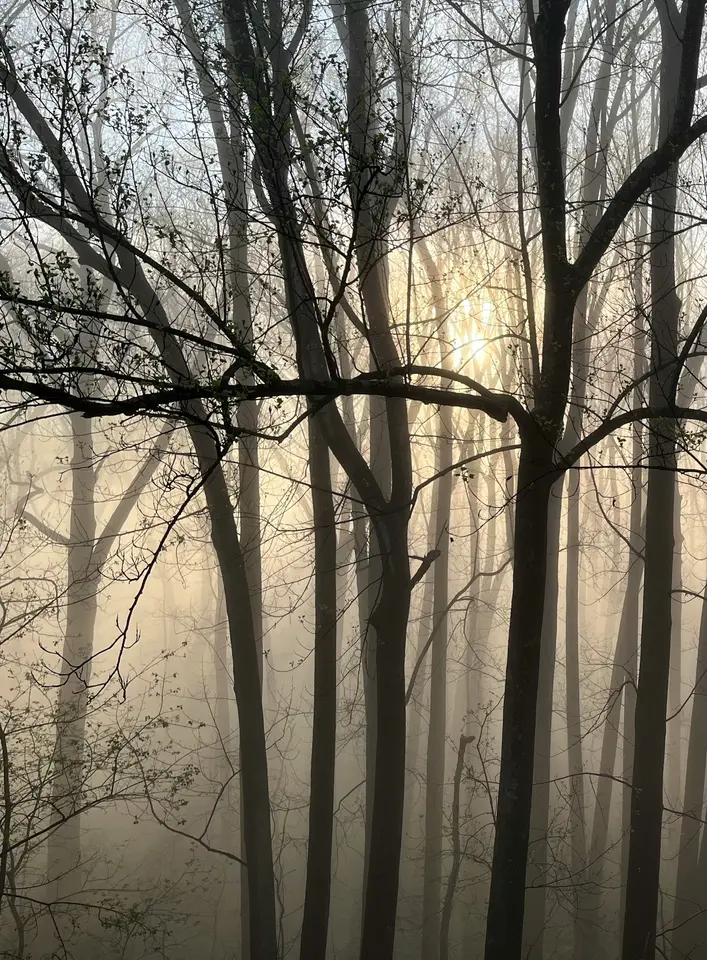
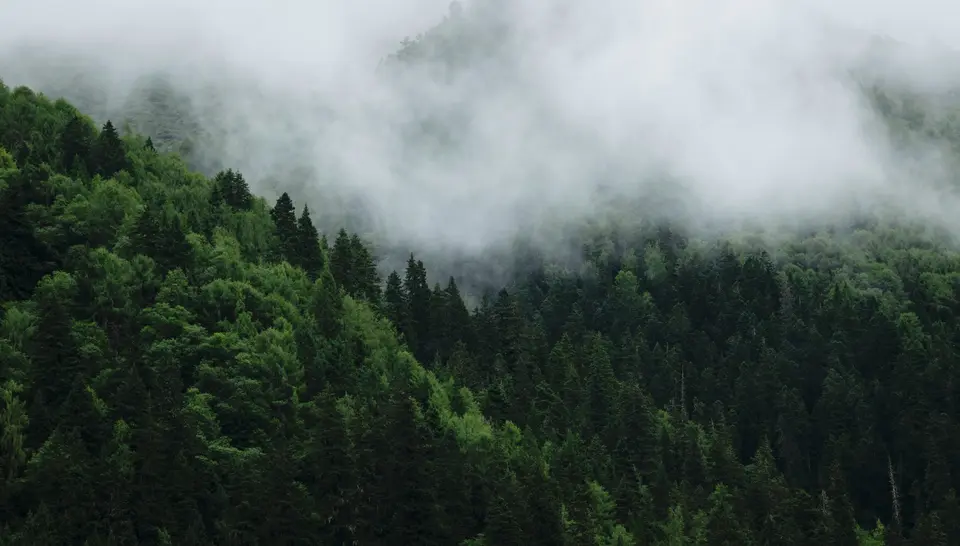
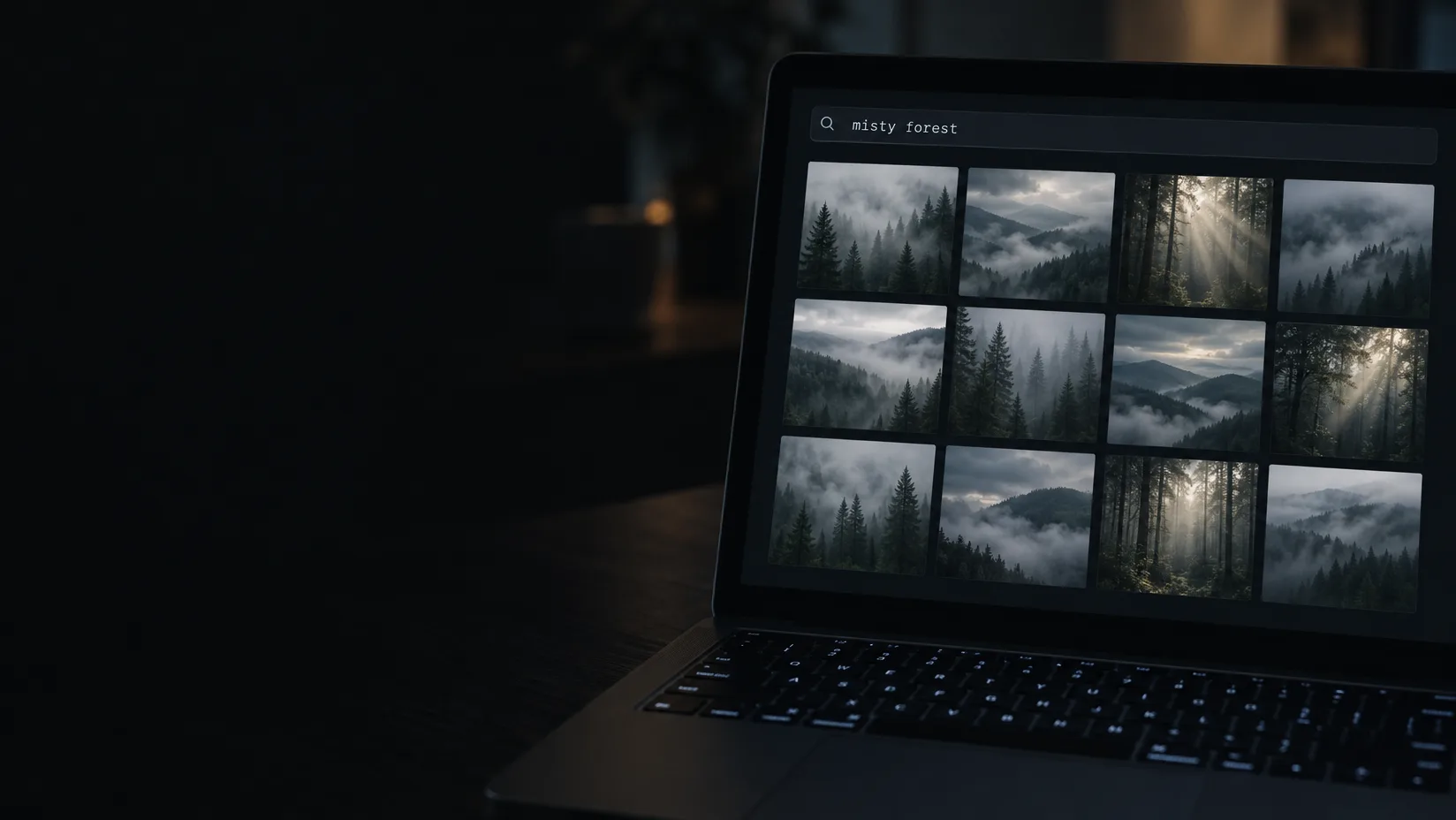
A laptop at night with the words misty forest in a search field and a grid of foggy forest photographs below

Find any frame by describing it.

Search by what is in the picture. Colour, light, composition, subject and shot type are read from each asset, so a reference is findable long after you have forgotten what you called it.

14 day trial for Solo and Team plans. Cancel any time.

  • 01 /

    Describe it

    Type the frame you remember and the library ranks itself against it.

  • 02 /

    No tagging first

    Every upload is analysed, so search works from the moment it lands.

  • 03 /

    Find similar

    Open any frame and ask for the nearest ones in your library.

  • 04 /

    Visual filters

    Narrow by shot, composition, colour and number of subjects.

  • 05 /

    Field queries

    type:, name:, uploader: and scope: combine with ordinary words.

  • 06 /

    Three scopes

    Your library, your team's, or every published gallery.

Search the way you remember.

Nobody remembers a filename. They remember rain on a windscreen, one warm lamp, a wide shot with a lot of sky — so that is what you type.

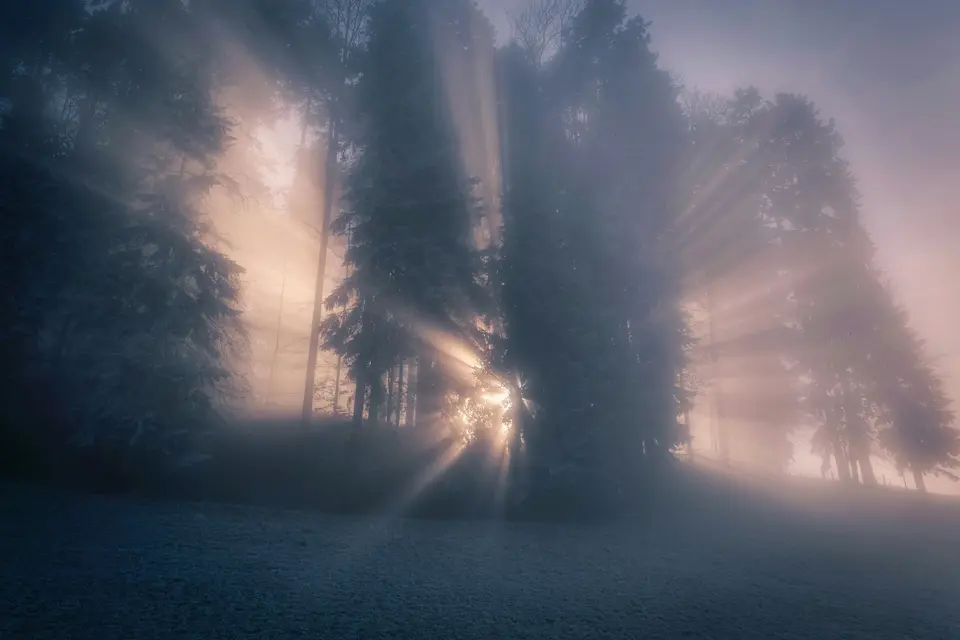
The cine.gallery search page showing snowy forests, sunbeams through trees and a moonlit sky found for the query magical forest

See it at work.

So many uses.

The look, assembled in minutes.

Before
A look is built from memory — you know you have the right frame somewhere, and give up after twenty minutes of folders.
With cine.gallery
Describe the light or the palette and your own references come back ranked. Open the best one and find similar to widen the set.
  • Search without tagging
  • Find similar
  • Suggested tags
  • Sections for every scene
For cinematographers

Exactly the frame the brief asked for.

Before
The brief says wide, symmetrical, two figures, blue night — and keyword search returns everything tagged blue.
With cine.gallery
Filter by shot, composition, colour and subjects, then add words. Field queries such as type:video narrow it further.
  • Field queries
  • Search without tagging
  • Find similar
  • Every file type
Searching your library

Found, even when someone else saved it.

Before
The right reference exists, but it is in a colleague's folder, and nobody knows to ask.
With cine.gallery
Switch scope to the team library and search everything every seat has added, with who added it on every result.
  • Shared team galleries
  • Who added what
  • Search without tagging
  • Personal libraries stay private
cine.gallery for teams

What search does for you.

01 /

Reads the picture, not the filename

It finds frames you never labelled, because it is looking at the image.

  • “lonely night interior, single source”
  • “over the shoulder, 2.39:1”
  • “blue hour, wet street, neon”
Searching your library
02 /

Suggestions you confirm

Confirmed tags count for more in search. Rejected ones are gone for good. Your own words stay as written.

How tags work
03 /

Precise when it has to be

Filters for shot, composition, colour and subjects sit above the grid, and combine with words and field queries.

How it works.

  1. 01

    Upload

    Every file is analysed shortly after it lands. There is nothing to set up.

  2. 02

    Describe

    Type the frame you remember. Press Enter; the results are a page you can link to.

  3. 03

    Narrow

    Add a filter or a field query, or open one result and find similar.

  4. 04

    Use it

    Select what you found and drop it into a gallery, or download the originals.

THE SOLO PLAN

For individuals and independent creatives.

Search is included in every plan, across everything you upload.

  • Private asset library
  • Unlimited galleries
  • Share galleries
  • Embed galleries
  • Publish galleries
  • 100 GB of storage
  • Up to 10,000 assets
  • Original-resolution downloads
$24CAD / month
$288 CAD billed yearly, or $30 CAD monthlyStart your free trial Compare every plan Prices also available in USD and EUR. Tax is calculated at checkout.

Built for people who remember pictures.

Solutions by team size
  1. 01CinematographyFind the light. Frame the story.
  2. 02Colour & gradingMake a feeling tangible.
  3. 03Art directionGive the idea a visual language.
  4. 04Production designBuild a world before the first build.

Frequently asked questions.

No. Search works on what is in the picture from the moment an upload has been analysed. Tags are there to sharpen results, not to make them possible.

Only if you ask it to, and only at what they have chosen to publish. Your default scope is your own library. Team members can search the team's shared library, and anyone can search published galleries.

We do not sell your media or hand it to anyone for their own purposes. Your confirmations and rejections of suggested tags can help improve suggestions; write to us and we will exclude your account.

Search covers assets that have been analysed. A new upload appears as soon as its analysis lands, usually moments after it finishes uploading.

Other questions? Our team typically responds to all support inquiries within 24-48 hours.
Get in touch

The rest of the product.

Find the frame you remember.

Upload what you have and search it by what is in the picture, starting today.

Start your free trial

Or view pricing.

14 day trial for Solo and Team plans. Cancel any time.

Try cine.gallery for freeGet started
cine.gallery